
 Cricbet99: Mobile Browser vs App - Security Checks Users Should Make Before Logging In
 2026-08-20
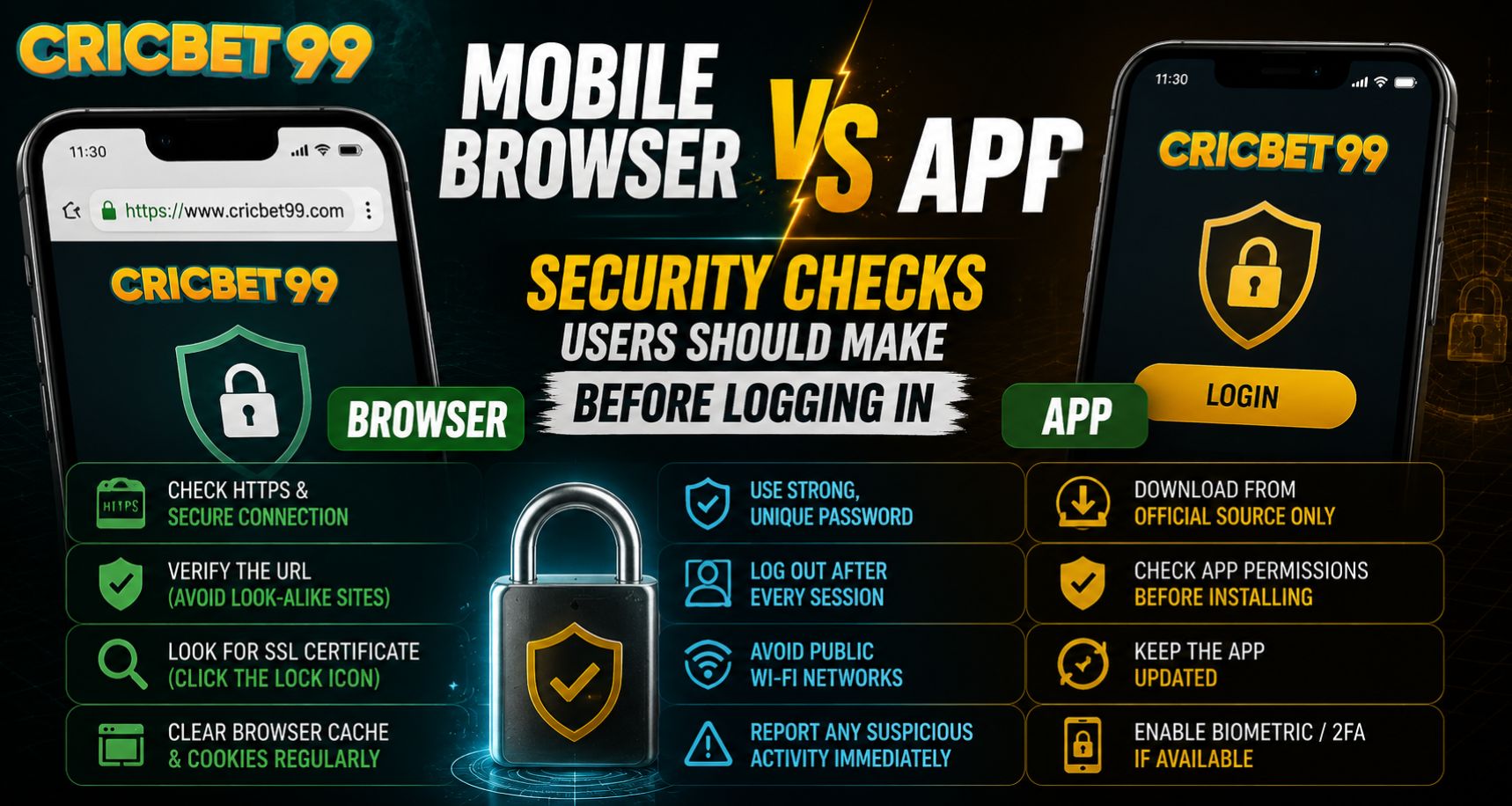
Logging in through a mobile browser and using a dedicated app can both be convenient, but each option comes with different security considerations. Before entering account details, Cricbet99 users should check the source, device settings, connection, and login page carefully. A few simple checks can reduce the risk of visiting a fake website, installing an unsafe application, or exposing credentials through an insecure device.
Is a Mobile Browser or App Safer?
Neither option is automatically safer in every situation. Security depends largely on where the website or application came from, how current the software is, and whether the device itself is protected.
A browser can be a secure option when users open the correct official address and keep the browser updated. An app can also provide a secure experience when it is downloaded from an official source and has not been modified.
Before starting a Cricbet99 Login, users should therefore focus on verification rather than assuming one method is always better.
Check the Website Address Before Browser Login
One of the most important browser security checks is confirming the exact website address.
Fake login pages can sometimes imitate the appearance of a legitimate platform while using a similar-looking domain.
Before entering credentials:
- Read the domain name carefully.
- Look for unexpected spelling changes.
- Avoid links received from unknown messages.
- Do not trust a page only because the design looks familiar.
- Check that the browser shows an encrypted HTTPS connection.
- Bookmark the correct website after confirming it.
Someone trying to access Cricbet99 Com should avoid searching randomly for login links each time. Using a verified bookmark can reduce the chance of opening an imitation page.
Check Where the App Came From
With an app, the main question is whether the installation file is genuine.
Users should avoid downloading application packages from random forums, unofficial file-sharing services, or links sent by unknown people. An app with the right logo and name can still be modified.
Before installing or opening an app, check:
- The official download source
- App name and developer information
- Current version number
- File size where available
- Requested Android permissions
- Whether the device displays security warnings
Users interested in Cricbet99 Online Betting should treat unusual installation instructions as a reason to verify the source again before continuing.
Review App Permissions
Apps may request access to certain device functions, but permissions should make sense for what the application actually does.
Be cautious if an app unexpectedly asks for access to:
- Contacts
- SMS messages
- Microphone
- Camera
- Call logs
- Device administrator privileges
- Accessibility services
Some permissions may be legitimate depending on the feature being used, but unnecessary access deserves attention.
A Cricbet99 Betting Site user should review permissions through Android or iOS settings periodically rather than approving every request automatically.
Keep the Browser and App Updated
Outdated software may contain security weaknesses that have already been fixed in newer releases.
Whether using a browser or an application, check regularly for updates.
Important software to keep current includes:
- Mobile operating system
- Web browser
- Installed application
- Android System WebView
- Device security components
Before another Cricbet99 Login, users should also restart the device after major system updates if the phone recommends doing so.
Avoid Public or Untrusted Wi-Fi
The network used for login also matters.
Public Wi-Fi in airports, hotels, cafés, or shopping areas may be convenient, but users have less control over how the network is configured.
For sensitive account activity, a trusted mobile data connection or private home network is generally preferable.
If public Wi-Fi must be used:
- Avoid saving passwords on shared devices.
- Do not ignore browser certificate warnings.
- Log out when finished.
- Avoid performing unnecessary account changes.
- Disable automatic Wi-Fi connection afterward.
Cricbet99 users should also be cautious if the network unexpectedly redirects them to unfamiliar login pages.
Check the Device Before Entering Credentials
A secure website or app cannot fully protect an account if the device itself has been compromised.
Before logging in, check that:
- The phone has a screen lock.
- Unknown apps are not installed.
- The device is not showing unusual pop-ups.
- The operating system is updated.
- Browser extensions or profiles are trusted.
- No one else has unrestricted access to the phone.
Users accessing Cricbet99 Com on a shared smartphone should avoid allowing the browser to remember credentials unless they fully control the device.
Watch for Suspicious Login Behaviour
Unexpected behaviour during login can be an important warning sign.
Stop and verify the platform if you notice:
- A different-looking URL
- Repeated requests for credentials
- Unusual permission prompts
- Pop-ups asking for an OTP
- A request to install additional software
- Certificate or connection warnings
Users following Cricbet99 Online Betting should never share passwords or verification codes with someone claiming they are required for account support.
Browser vs App: Practical Security Comparison
A mobile browser offers the advantage of not requiring an installation, but users must carefully verify the domain every time.
An app can provide faster access and fewer browser redirects, but users need to verify the installation source and permissions.
For Cricbet99 Betting Site users, the best option is the one that can be clearly verified and kept updated.
Final Thoughts
Mobile browsers and apps can both provide secure account access when used correctly. The biggest risks usually come from fake websites, unofficial apps, outdated software, unsafe networks, or poor device security.
Before logging in, verify the source, inspect the URL or app details, keep software updated, and protect passwords and OTPs. These checks take only a short time but can significantly improve account security.
FAQs
Is a mobile app safer than a browser?
Not automatically. Both can be secure if they come from trusted sources and are kept updated.
What should I check before logging in through a browser?
Confirm the exact domain, HTTPS connection, browser version, and whether the page was opened from a trusted source.
Why should I review app permissions?
Permissions can reveal whether an application is requesting access that appears unnecessary for its normal functions.
Is public Wi-Fi safe for account login?
Private or trusted networks are generally preferable for sensitive account activity.
Should I save my password on a shared phone?
It is better to avoid storing login credentials on a device that other people can access.