
 Password Managers vs OTP vs Two-Factor Authentication: What Protects Your Account?
 2026-08-24
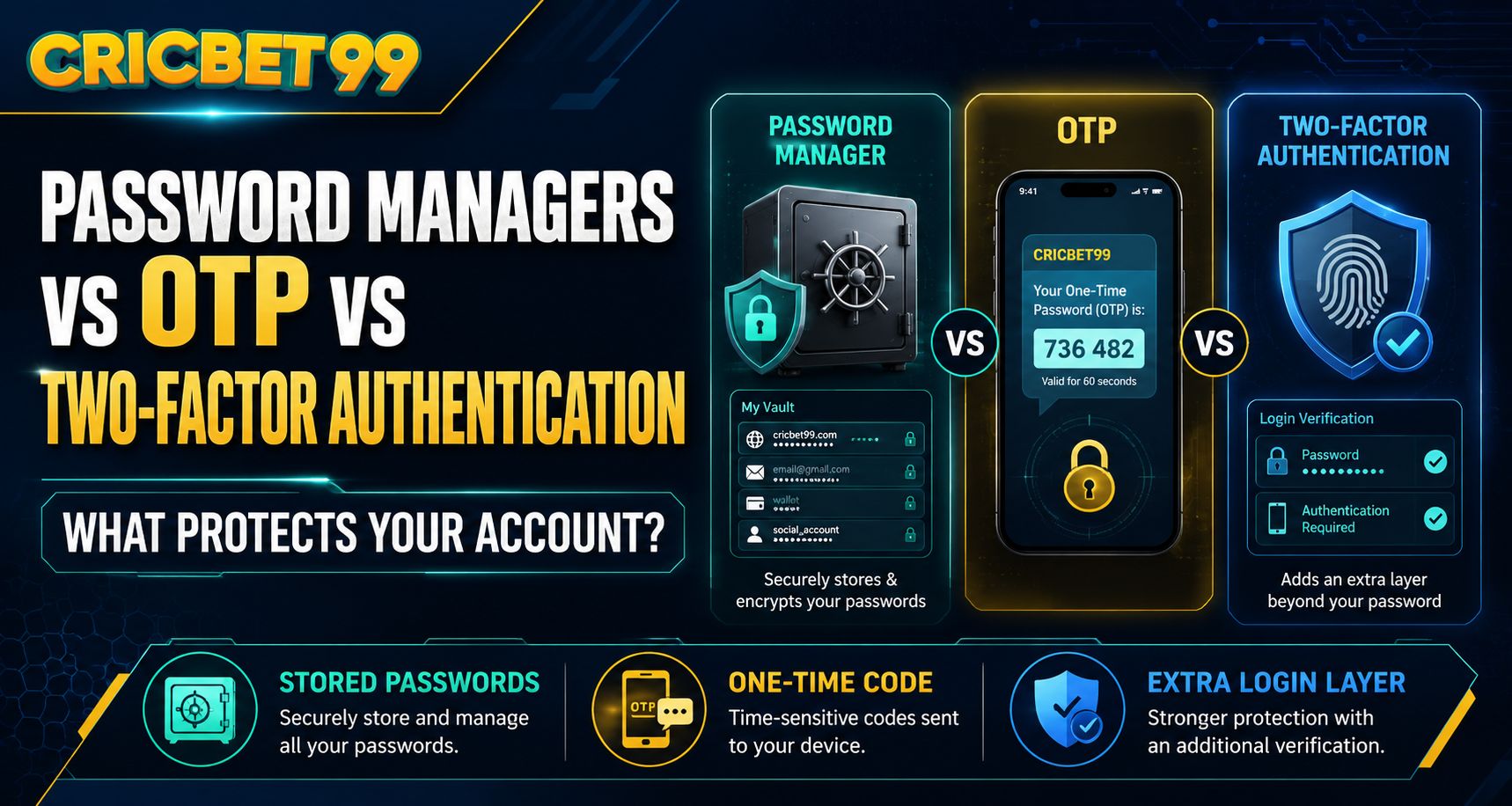
Online accounts are exposed to risks such as weak passwords, credential reuse, phishing, and unauthorized login attempts. For users accessing services like Cricbet99, relying on only one security measure may not provide enough protection. Password managers, one-time passwords, and two-factor authentication each solve different security problems, so understanding how they work can help users build a stronger account-security setup.
What Does a Password Manager Do?
A password manager is designed to generate, store, and organize login credentials securely. Instead of using simple passwords that are easy to remember, users can create long and unique passwords for every account.
This can be especially useful for people who maintain several online accounts.
A reliable password manager can help users:
- Generate complex passwords
- Avoid reusing the same password
- Store login credentials securely
- Autofill credentials on recognized websites
- Reduce dependence on handwritten passwords
- Identify weak or duplicated passwords
When completing a Cricbet99 Login, using a unique password stored in a trusted password manager can reduce the risk created by password reuse.
However, a password manager mainly protects the password itself. It does not automatically prevent someone from entering a stolen password unless an additional authentication method is enabled.
What Is an OTP?
OTP stands for one-time password. It is a temporary verification code that usually works for only one login or transaction.
An OTP may be delivered through:
- SMS
- Authentication apps
- Hardware security devices
For example, after entering a username and password on Cricbet99 Com, a user might be asked to enter a temporary code before account access is approved.
This provides an extra verification step.
However, users should remember that an OTP is sensitive. Anyone who obtains a valid code may be able to complete the action for which it was generated.
Never share an OTP with:
- Unknown callers
- Social media contacts
- Unverified support agents
- Messaging groups
- Anyone asking to "confirm" your account
A legitimate security process should never require users to publicly share their verification codes.
What Is Two-Factor Authentication?
Two-factor authentication, commonly called 2FA, requires two different forms of verification before access is granted.
These factors normally come from different categories:
- Something you know, such as a password.
- Something you have, such as a phone or authenticator app.
- Something you are, such as a biometric identifier.
For users accessing Cricbet99 Online Betting features, a typical 2FA process might involve entering a password followed by a code generated on a registered device.
The key advantage is that stealing the password alone may no longer be enough to enter the account.
Is OTP the Same as Two-Factor Authentication?
Not always.
An OTP can be used as one part of a two-factor authentication process, but the terms do not mean exactly the same thing.
For example:
- Password only: single-factor authentication
- OTP only: still potentially one factor
- Password + OTP sent to a registered device: two-factor authentication
This distinction matters because users sometimes assume that receiving an OTP automatically means their account has full 2FA protection.
Someone accessing a Cricbet99 Betting Site should check how the verification system is actually configured rather than relying only on the terminology used.
Which Security Method Is Strongest?
Password managers, OTPs, and 2FA should not be viewed as competing technologies. They work best when combined.
A stronger account-security setup may include:
- A unique password stored in a password manager
- Two-factor authentication enabled
- An authenticator app where supported
- Updated recovery contact information
- Regular review of active login sessions
This layered approach protects against multiple threats.
For example, even if someone obtains your password, 2FA may block the login. If the password is exposed in a breach involving another website, using a unique password prevents that breach from automatically compromising your Cricbet99 account.
SMS OTP vs Authenticator Apps
Not every OTP method provides the same level of protection.
SMS OTPs are convenient because they require no additional app, but they depend on access to the user's mobile number.
Authenticator apps usually generate codes directly on the device. These codes can provide additional protection against certain attacks involving phone-number takeover.
Regardless of the method, users accessing Cricbet99 Login should protect the device receiving authentication codes with a screen lock, PIN, password, or biometric security.
Common Security Mistakes to Avoid
Even strong security tools can become less effective if users make basic mistakes.
Avoid:
- Reusing one password across several websites
- Sharing authentication codes
- Saving passwords in public documents
- Approving unexpected login requests
- Clicking password-reset links from unknown messages
- Leaving accounts signed in on shared devices
- Giving remote device access to unverified support agents
Cricbet99 Com users should also verify that they are visiting the correct website before entering login credentials.
What Should You Do If You Receive an Unexpected OTP?
An OTP that arrives when you are not trying to log in can indicate that someone entered your account details.
Do not share or enter the code.
Instead:
- Review recent account activity.
- Change the password if necessary.
- Check active sessions.
- Enable stronger authentication if available.
- Contact official support if suspicious activity appears.
For Cricbet99 Online Betting users, unexpected verification messages should be treated as a security warning rather than ignored.
Conclusion
Password managers, OTPs, and two-factor authentication protect different parts of the login process. A password manager helps users create and store unique credentials, an OTP provides temporary verification, and 2FA adds an additional barrier against unauthorized access.
For Cricbet99 Betting Site users, the strongest approach is usually to combine these protections rather than choosing only one. A unique password, secure verification method, protected device, and cautious login habits can significantly improve overall account security.
Frequently Asked Questions
Is a password manager safer than remembering passwords?
A trusted password manager can help users create longer, unique passwords and avoid password reuse, which generally improves security.
Is an OTP enough to secure an account?
An OTP adds protection, but it is strongest when used alongside a separate password as part of two-factor authentication.
Can someone access my account if they know my password?
If 2FA is enabled, knowing the password alone may not be enough because a second verification factor is also required.
Should I share an OTP with customer support?
No. Verification codes should remain private and should not be shared with callers, messages, or unverified support contacts.
What should I do if I receive an OTP I did not request?
Do not use or share it. Review recent account activity, change your password if necessary, and check whether unauthorized login attempts have occurred.