
 What to Do After Resetting Your Betting Account Password: 7 Security Checks
 2026-08-18
Resetting a password is an important first step when you forget your credentials or suspect that someone else may have accessed your account. For users of Cricbet99, however, changing the password should not be the end of the security process. A few additional checks can help confirm that your account details, devices, sessions, and recovery options are still under your control.
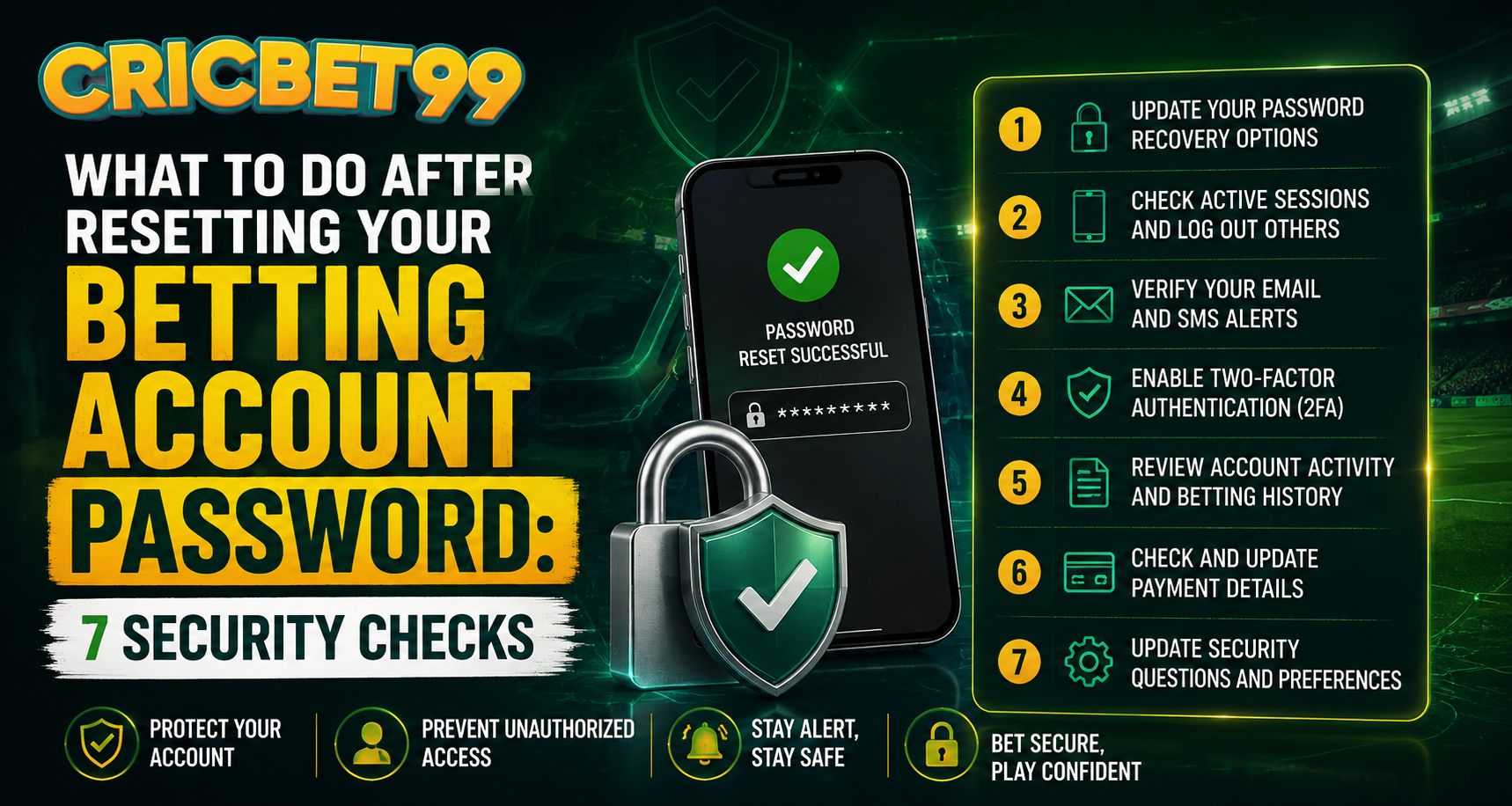
Below are seven useful security checks to complete after resetting a betting account password.
1. Test the New Password With a Fresh Login
After creating a new password, sign out completely and test it from the Official Login Page.
A fresh Cricbet99 Login helps confirm that:
- The password reset was completed successfully
- The old password no longer works
- Your username or registered number is correct
- You can access the account without errors
Avoid saving the password immediately on a shared or public device. If you use a password manager, make sure it updates the stored credential so the old password is not automatically entered later.
2. Review All Active Login Sessions
Changing your password does not always mean every existing session will automatically close.
Check whether your account provides a section for:
- Active devices
- Recent sessions
- Login history
- Connected browsers
- Sign out from all devices
If you see a phone, browser, or location you do not recognize, close that session immediately.
Users accessing Cricbet99 Com from several devices should pay particular attention to old phones, shared laptops, and browsers they no longer use.
3. Confirm Your Registered Mobile Number and Email
Recovery information is one of the most important parts of account security.
After resetting your password, verify that the mobile number and email address linked to the account still belong to you.
Check for:
- An unfamiliar email address
- A recently changed phone number
- Incorrect spelling in your email
- An old SIM you no longer control
- Unexpected recovery settings
If any information looks unfamiliar, contact official support rather than attempting repeated changes without understanding what happened.
4. Create a Strong and Unique Password
A newly reset password should not simply be a slightly modified version of the old one.
For example, changing Cricket123 to Cricket124 provides very little additional protection.
A better password should:
- Be long and difficult to guess
- Combine unrelated words or characters
- Avoid names, birthdays, or mobile numbers
- Not be reused on other websites
- Be stored securely
Anyone using Cricbet99 Online Betting services should keep the account password separate from email, banking, and social-media passwords.
This limits the damage if one unrelated website ever experiences a security breach.
5. Check Recent Account Activity
Once access has been restored, review recent account activity carefully.
Look at areas such as:
- Login history
- Account transactions
- Deposits
- Withdrawals
- Profile changes
- Betting or gaming history
- Saved payment details
If something appears that you do not recognize, record the transaction ID, date, time, and amount before contacting support.
A Cricbet99 Betting Site user should not ignore small unfamiliar entries because they can sometimes indicate that another person had temporary access.
6. Review Your Device Security
Account security also depends on the device being used.
A strong password offers limited protection if the phone or computer itself is compromised.
After a password reset:
- Update your browser
- Install operating-system updates
- Remove suspicious applications
- Review browser extensions
- Run a trusted security scan if needed
- Lock your phone with a PIN or biometric method
- Avoid using unknown public Wi-Fi for sensitive account changes
Also remove saved passwords from devices you no longer control.
7. Watch for Phishing After the Reset
Password resets can sometimes be followed by fake support messages designed to steal the new credentials.
Be cautious of emails, SMS messages, or chat messages asking you to:
- Send your new password
- Share an OTP
- Reveal a recovery code
- Click an unfamiliar login link
- Confirm banking information
- Install remote-access software
Official support should not need your password or one-time authentication code.
When returning to Cricbet99 after a security issue, type the known website address yourself or use a trusted bookmark instead of opening unexpected links.
Extra Security Habits Worth Keeping
Password security should be an ongoing habit rather than something considered only after a problem.
Useful practices include:
- Review account sessions regularly
- Change compromised passwords immediately
- Never share credentials with friends
- Avoid screenshots containing login information
- Log out when using shared devices
- Keep recovery information current
- Use additional authentication features where available
These small steps can significantly reduce the risk of unauthorized access.
What If You Still Notice Suspicious Activity?
If unusual activity continues even after changing the password, stop making unnecessary account changes and contact official customer support.
Prepare relevant information such as:
- Account username or ID
- Approximate time of suspicious activity
- Screenshots
- Transaction references
- Device details
- Recent login information
Never send your password, OTP, PIN, or complete banking credentials during the support process.
Conclusion
Resetting a password restores access, but securing the account requires a few more checks. Confirm your recovery details, review active sessions, inspect recent activity, secure your device, and remain alert for phishing attempts.
Completing these seven checks after a password reset can help ensure that the account is genuinely back under your control rather than simply protected by a new password.
Frequently Asked Questions
Should I log out all devices after changing my password?
Yes, especially if you changed the password because of suspicious activity. Closing all sessions can prevent an already authenticated device from remaining connected.
Can I reuse an old password?
It is safer to create a completely new password that has not been used on the account or another website.
What should I do if my registered mobile number changed?
Use the official account-support process to update or verify the number rather than relying on unofficial contacts.
Should I check transaction history after a password reset?
Yes. Reviewing recent transactions can help identify activity that occurred before you secured the account.
Is saving my password in a browser safe?
It can be convenient on a private device, but avoid saving credentials on shared or public computers. A reputable password manager can provide better control.
Should I share an OTP with customer support?
No. Passwords, OTPs, PINs, and recovery codes should remain private.